How to play
Create username
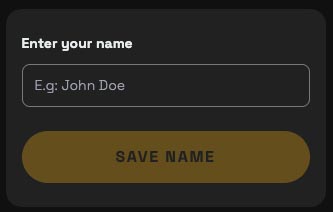
- Enter your name and click button "Save name". Your username will be created in our system.
For game owner
Step 1: Create game
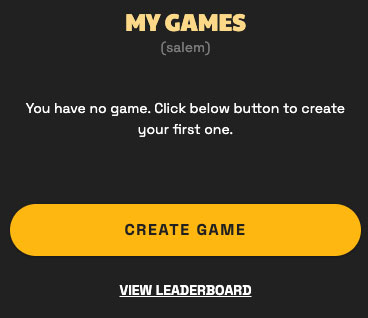
- Click button "Create game" to create new game.
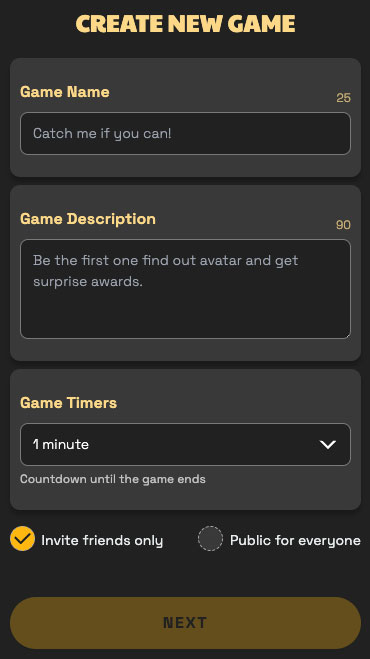
- - Enter game name and game description.
- - Set time for game.
- - Select game mode: public or private.
Step 2: Hide avatar
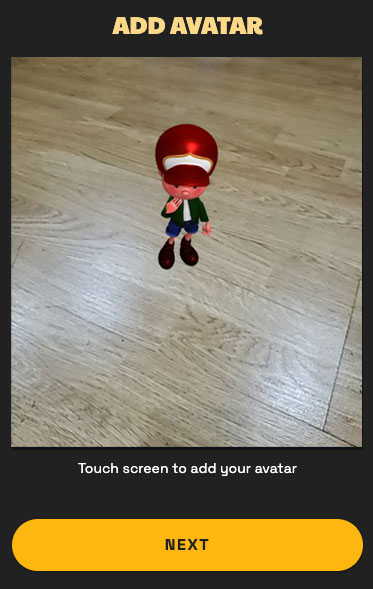
- Choose position that you want to hide avatar by touching the screen.
Step 4: Invite friends & start
game
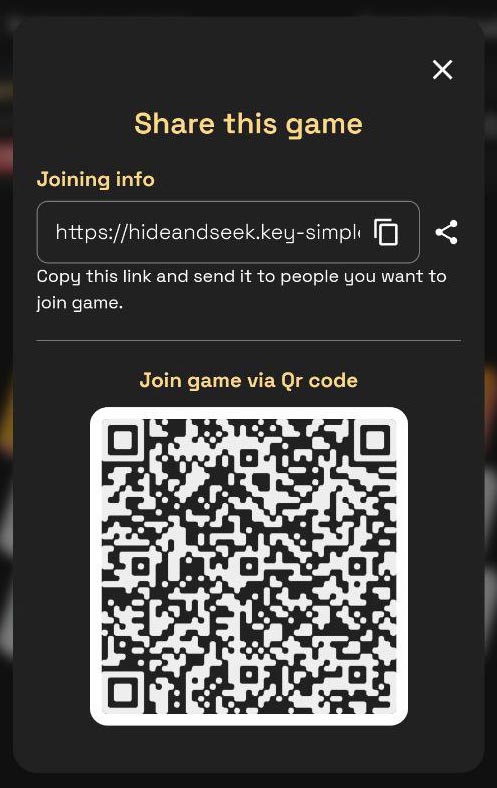
- Click icon share to share the game. People can join via link or scan Qr code.
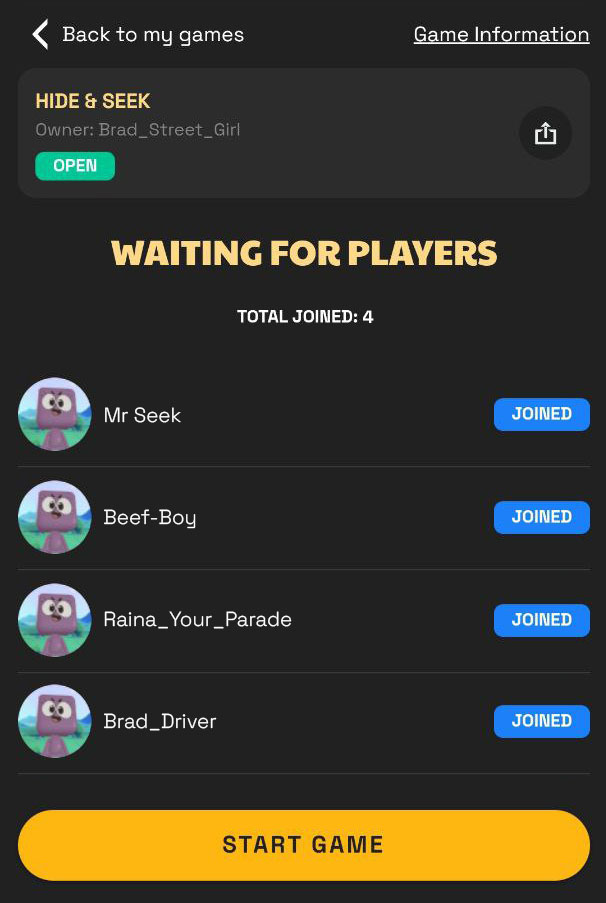
- - Wait for player joined game and click button "Start game" to start the game.
- - You only can start the game with at least 1 player.
- - You can not cancel the game after it was started.
Step 5: Wait for game winner
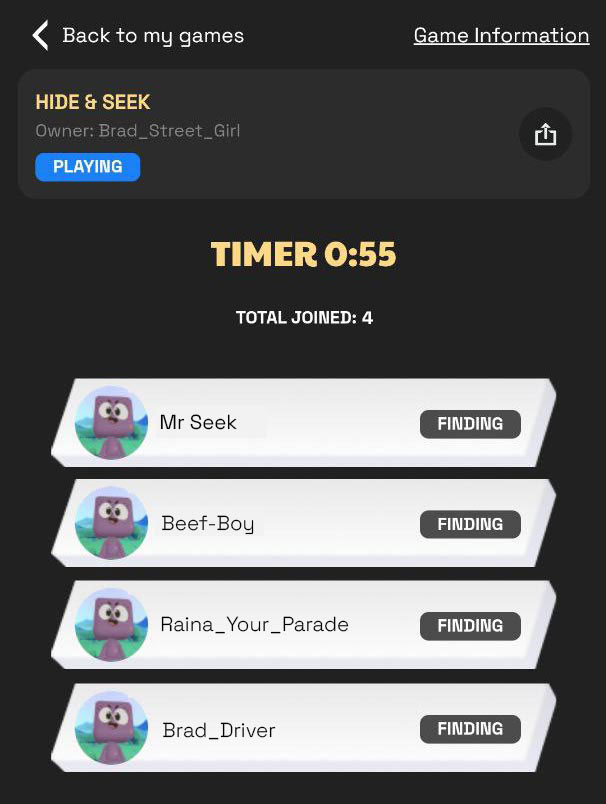
- The countdown and leaderboard will display. Just wait for who will win the game.
For game player
Find avatar
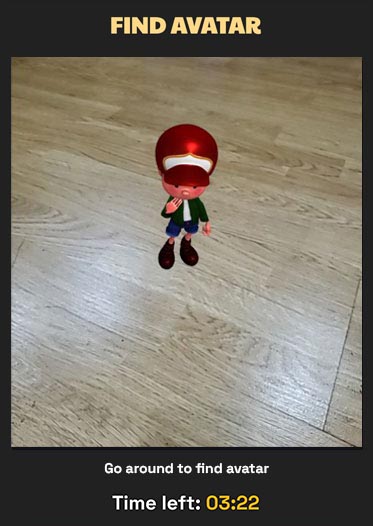
- After joined game, just go around to find avatar.
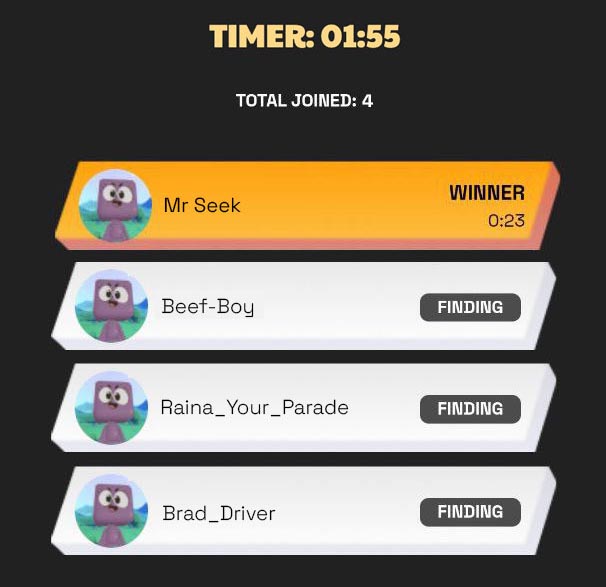
- The winner is the person who find the avatar in the shortest time.